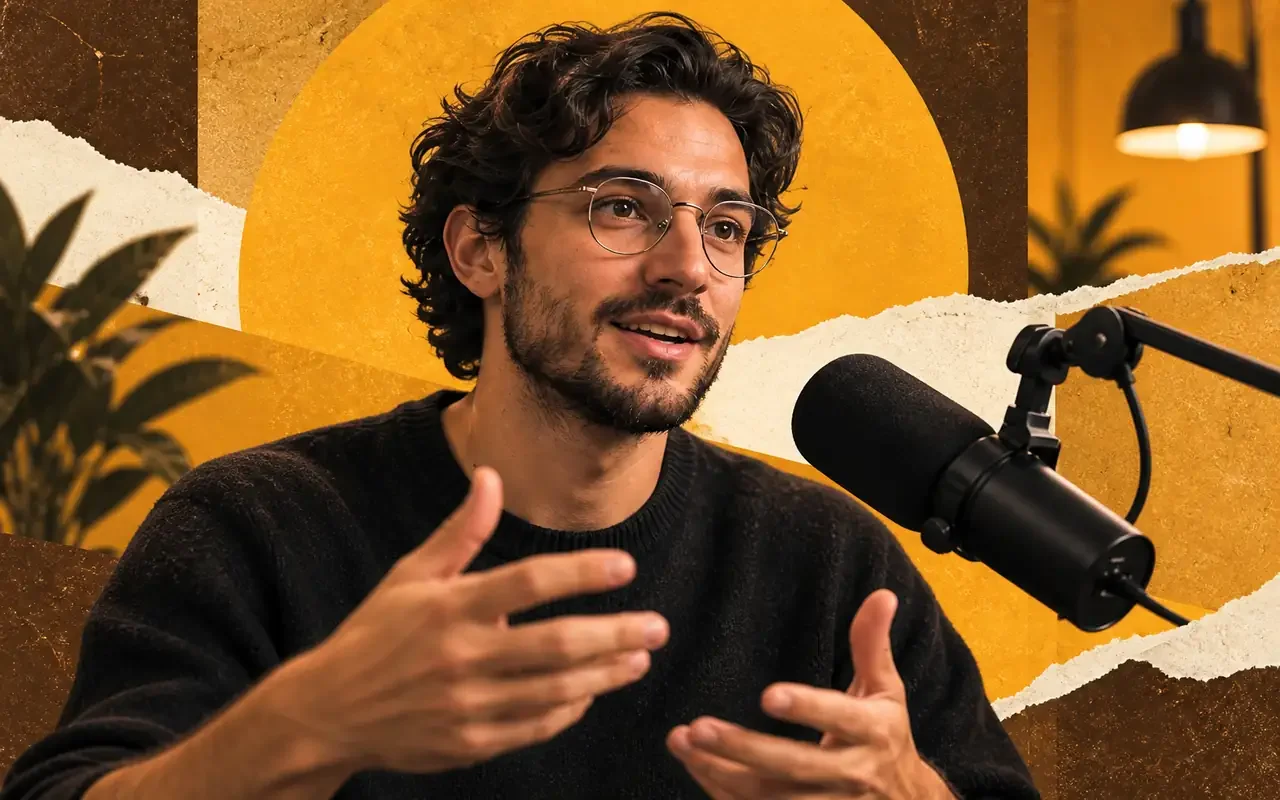
Find the strongest insight and cut a captioned short.
Turn a longer recording into a focused short with a strong opening, a complete thought, and readable captions. Remove pauses and repetition while preserving what the speaker actually means.
Describe a video or drop in footage. Manus makes the first cut.
MADE WITH Manus
Go from an idea or raw footage to a video you can keep editing.
Start from the footage you already have. Pick an example to try it.
Turn a longer recording into a focused short with a strong opening, a complete thought, and readable captions. Remove pauses and repetition while preserving what the speaker actually means.

Shape your travel or daily footage into a story with an opening, a few memorable moments, and a natural ending. Keep the best reactions and ambient sound, with music and captions that fit your pace.

Reach your audience with a strong opening, a clear demonstration, and one call to action. Use your product or service assets to show real benefits and encourage purchases, sign-ups, or inquiries.
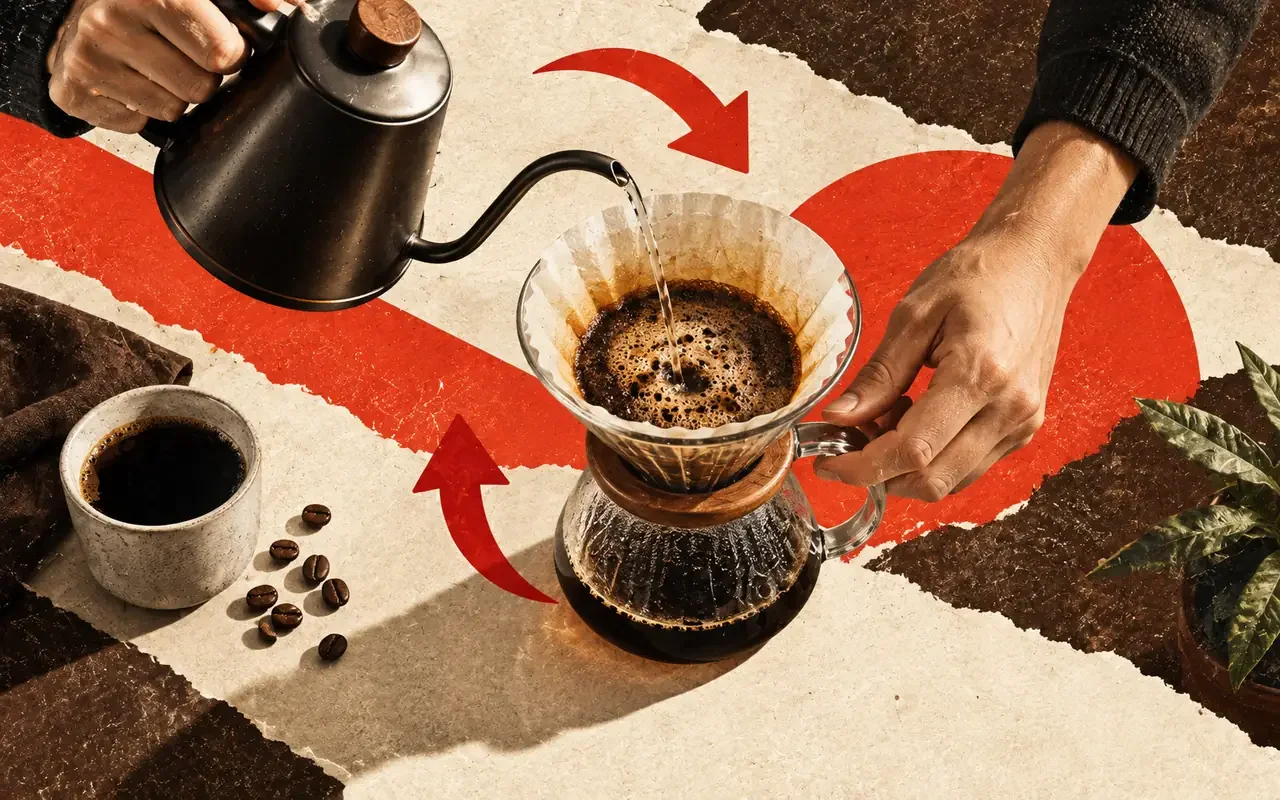
Help viewers complete a task with ordered steps, visible actions, and clear checkpoints. Show what they need to do and how to recognize a successful result.
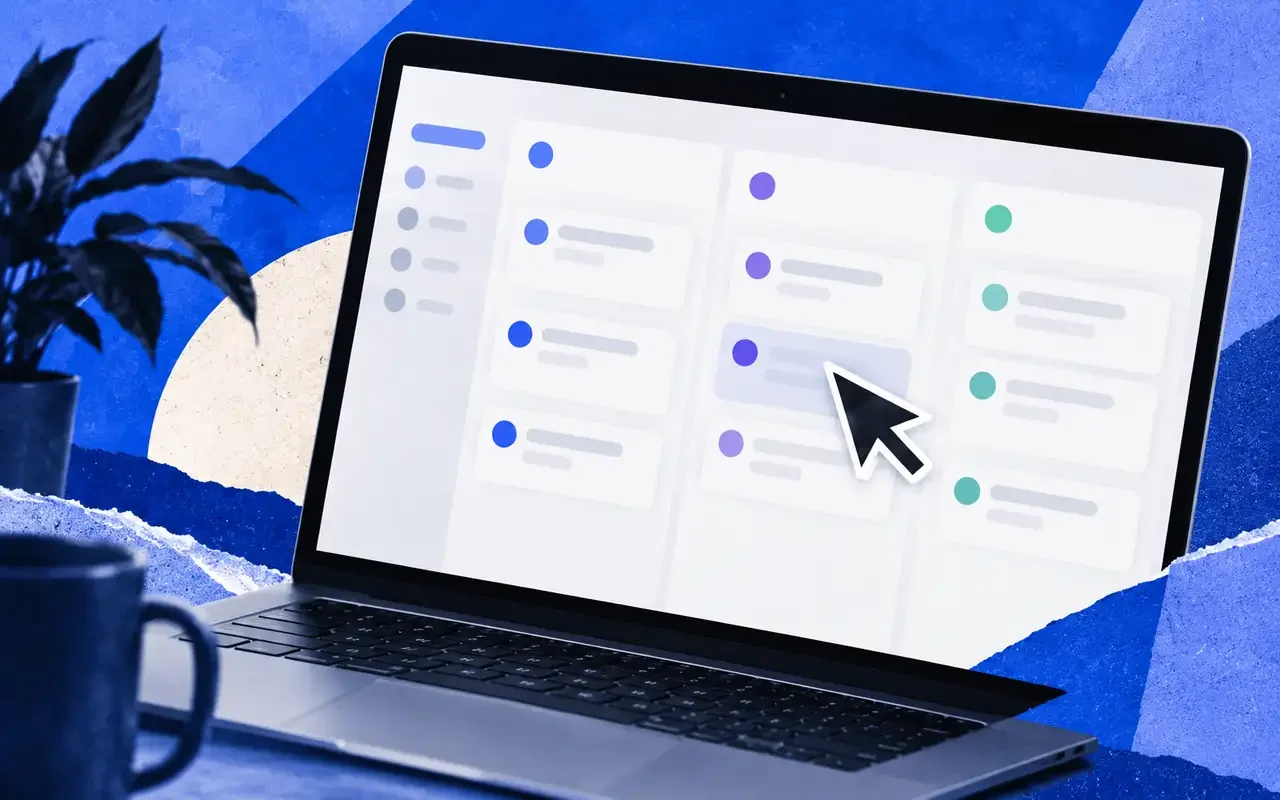
Use screenshots, screen recordings, or product materials to connect a user problem with the relevant features and result. Keep the demonstration focused on a real workflow.
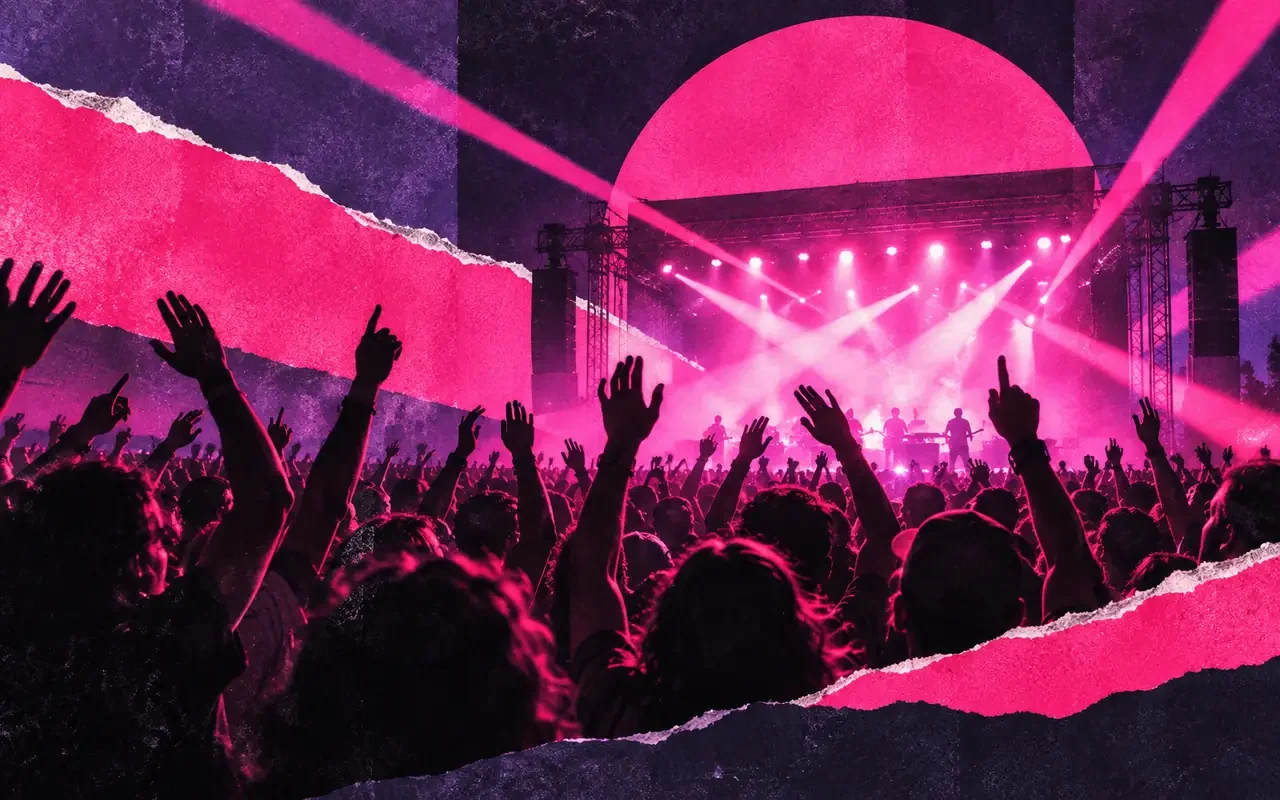
Capture the energy of a workshop, meetup, or launch event. Connect the setting, key moments, and attendee reactions into a short recap with a clear opening and closing.
All the pieces. One place to make them work.
Trim clips, rearrange scenes, and adjust timing. Keep the moments that move your story forward.
Bring video, images, text, and audio together on a full timeline. Keep each layer within reach.
Add titles and text, then adjust their style and position to fit your story.
Work with voiceover, music, and audio clips alongside your visuals.
Resize the canvas and compose your shots for a vertical story or a widescreen film.
Bring your own media and generated assets into the same project. Build on what you already have.
Download Manus Desktop to edit with a full timeline, work with local media, and export your video.
Turn an idea into a film
Choose the model for each shot
Turn a brief into image and video ads.
Install the app on macOS or Windows and connect a local folder.
Make your own game
Automates the entire design journey
Automate your expertise
Yes. Video Editor is part of Manus Desktop for macOS and Windows. Open a video from Manus on the timeline, or bring in your own footage and edit it there.
An AI video editor does the editing work you describe. In Manus, you describe the video or bring your footage, and Manus builds a first cut on a timeline that you can keep editing by hand or by asking.
Yes. Import your clips and describe the edit you want. Manus reviews the footage, picks the best moments, and builds a first cut on the timeline that you can keep refining.
You can sign up for Manus and download Manus Desktop for free. Making and editing videos with AI uses credits, and paid plans add more credits every month. See the pricing page for what each plan includes.
No. Describe the video in your own words, and Manus makes the first version. Open the timeline only when you want to change the details yourself.
Yes. Tell Manus what to change, and it works on the same project you edit on the timeline. You can keep refining it by hand afterward.
Yes. Describe the video on this page or in Manus on the web, and Manus makes a first version. To edit it by hand on the timeline, open the same task in Manus Desktop.
Trim and arrange clips, adjust their timing, add text and audio, and resize the canvas. Preview the sequence as you refine it.
Yes. Choose a 9:16 frame for a vertical video, or 16:9 for YouTube and other widescreen viewing. You can also resize the canvas on the timeline.
Use the export controls in the desktop editor to render your video, then share the exported file wherever you publish your work.