Product launch film
Introduce a new product with a reveal and a clear next step.
Describe your idea. Manus writes the script, makes the shots with Seedance 2.5, and adds voiceover and music. You can change any shot.
Each one sits on its own track, so you can change it later in Video Editor.

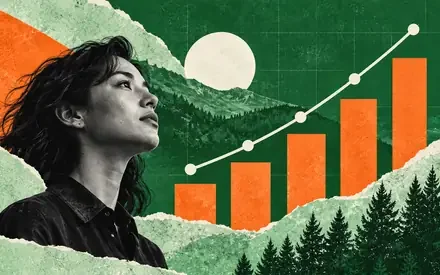

Motion graphics, charts, and maps are built in code instead.
Each one sits on its own track.
Choose it in the settings before you start.
Pick an example to start from it.
Pick 9:16 for phones or 16:9 for widescreen, and choose about how long it runs.
You describe the video. Manus does the rest, and you can step in at any point.
Type a sentence. You can also add a script, photos, clips, or a link to a video you like.

It researches, writes a storyboard, makes the shots, adds voiceover and music, and edits it all together.
Ask for changes in chat, or open it in Video Editor on desktop.
Add product photos, clips, a script, or a link to a video you like. Manus mixes them with new shots.
It’s a tool that makes a video from a text description, photos, or clips. Manus also researches the idea, writes the script, makes the shots with Seedance 2.5, adds voiceover and music, and edits it all together.
Describe the video in a sentence. Manus researches, writes a storyboard, makes the shots, adds voiceover and music, and edits it together. You can step in at any point, then ask for changes in chat or in Video Editor.
Yes. Videos can include voiceover, music, and sound effects. Each one sits on its own track, so you can change it later.
Yes. Add your photos, clips, or documents, then say how to use them. Manus can mix them with new shots.
Yes. Pick Portrait (9:16) for vertical or Landscape (16:9) for widescreen, and set about how long it runs.
Seedance 2.5 makes the shots. For motion graphics, charts, and maps, Manus writes code instead and checks every render.
No. A clear idea is enough. Tell Manus what the video should say, and shape the story as you review it.
Yes. Ask for changes in chat, or open it in Video Editor in the Manus desktop app. Shots, captions, voiceover, and music each sit on their own track.