Use cases
How it works

Frequently asked questions
Explore more links
If you want to go deeper after the overview, explore the AI website builder guide, review built-in SEO for web apps, learn about role-based access control, connect code with GitHub integration for app development, publish on your own brand with custom domain setup, browse Manus Playbook workflows, and start from the Manus documentation overview.
Can this platform work for different teams?
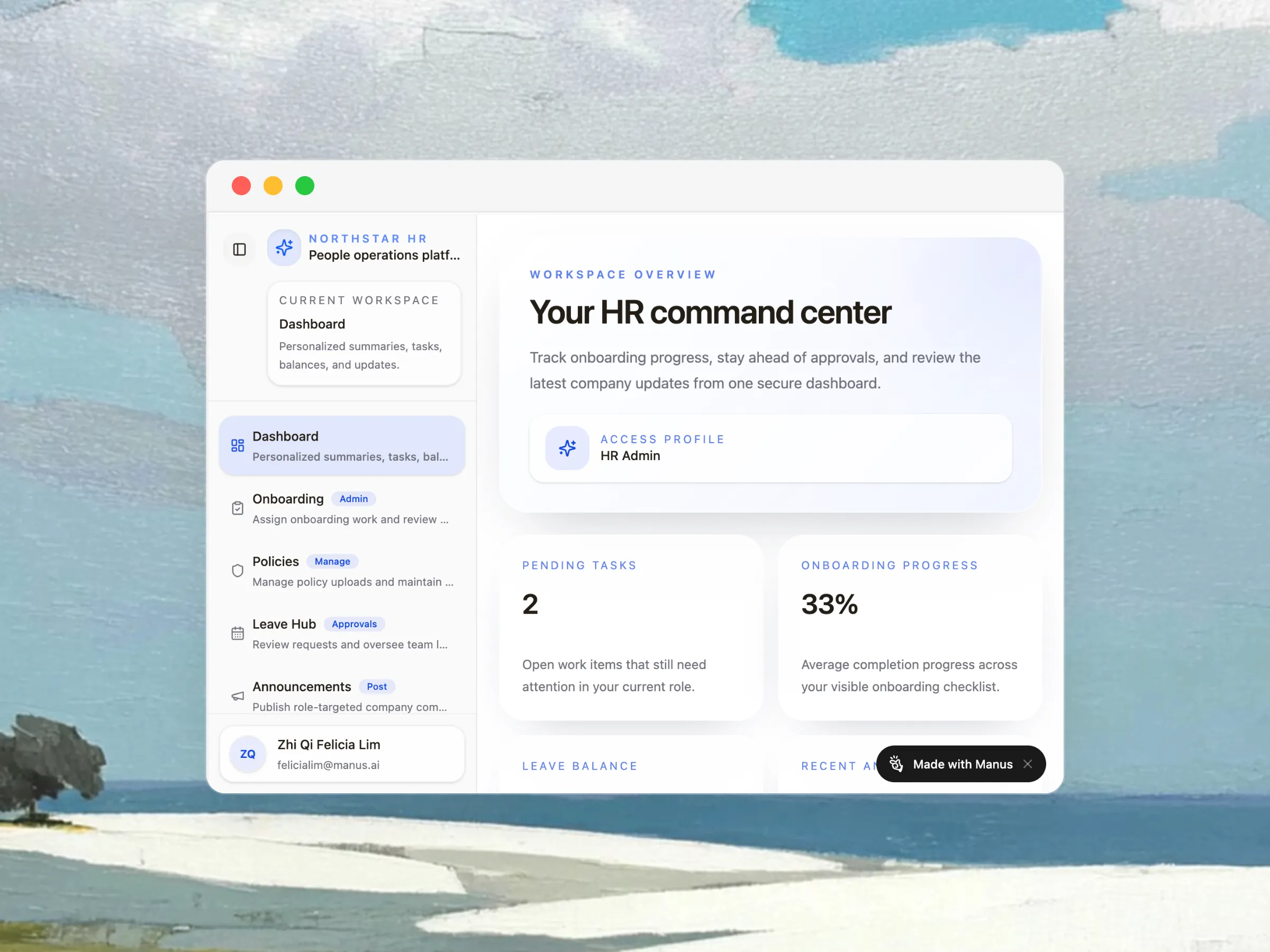
Yes. Manus can help you structure internal tool websites for HR, IT, finance, operations, support, and cross-functional teams. The main input is your workflow, user roles, and the actions people need to complete. From there, the platform can be tailored to your processes instead of forcing you into a rigid template.
What should an internal tool website include?
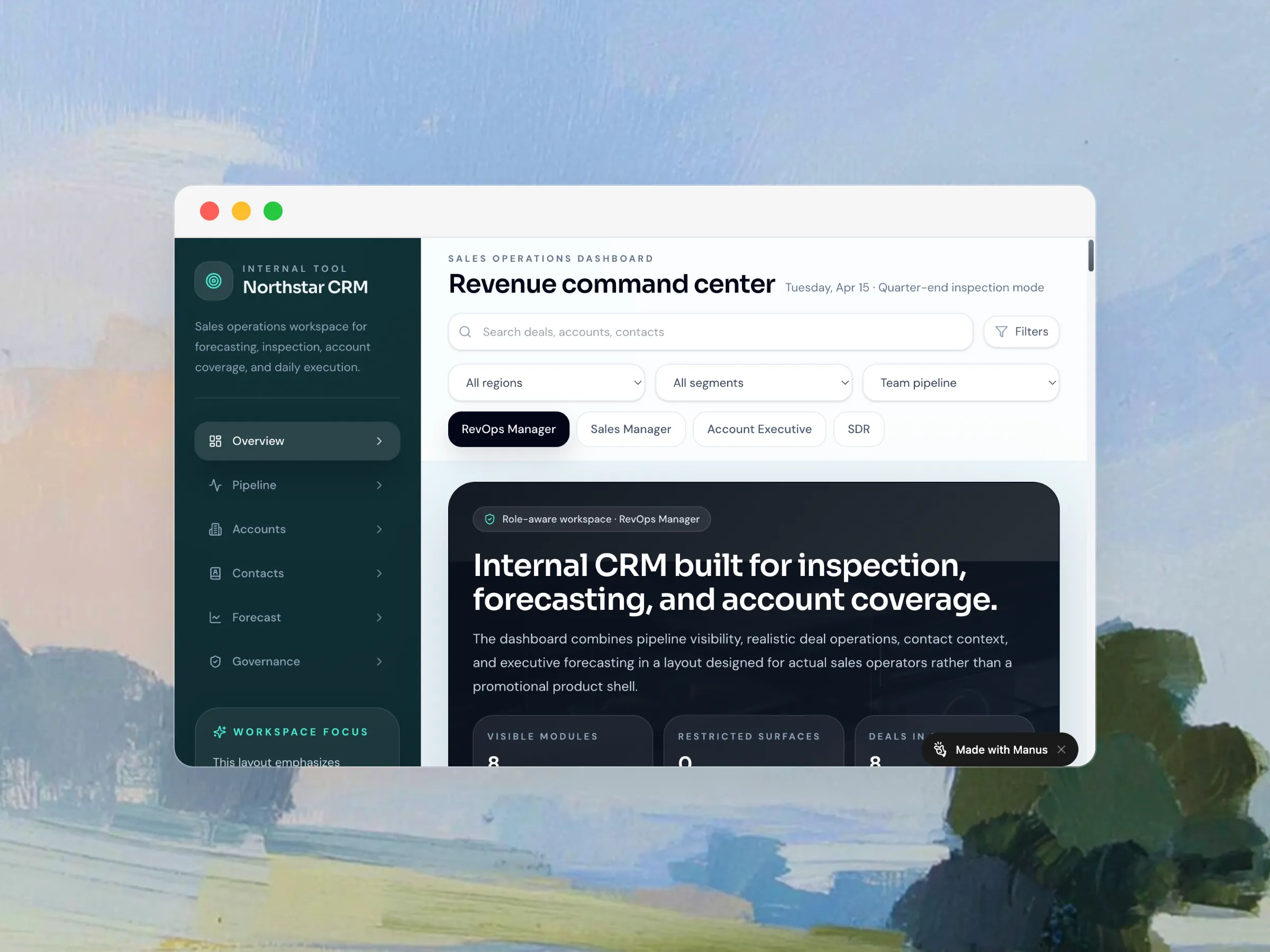
Internal tool websites usually need dashboards, forms, approvals, searchable documentation, and clearly separated permissions. Manus helps you plan those elements together so the experience feels consistent across teams. That reduces the sprawl that often appears when companies build each workflow in isolation.
Can I use existing process documents?
Absolutely. Existing docs, spreadsheets, and links are useful starting points because they show your real processes, fields, and terminology. Manus can use those materials to shape the structure, copy, and workflow logic, which shortens setup time and makes the first draft more practical.
How does access and permissions planning help?
Permissions matter because internal tools often serve different groups with different responsibilities. You may need one experience for administrators, another for managers, and another for employees or request submitters. Planning access early keeps sensitive information protected while still making common workflows easy to complete.
Can I start small and expand later?
Yes. A strong internal tool website platform should be able to grow from a single workflow into a broader operating system for teams. You can start with one use case, validate adoption, and then expand into more requests, approvals, knowledge content, or reporting without rebuilding the entire site.
Why use Manus for internal tool planning?
The output is useful when you need a faster path from idea to structured execution. Instead of piecing together copy, workflows, and page planning manually, Manus helps you shape the system in one place. That makes it easier to align stakeholders before development or rollout begins.
Ready to build your internal tool website?
When you are ready to move from planning to execution, start building your internal tool website platform. Use your real workflow details, upload supporting materials if you have them, and iterate until the structure matches how your team actually works.